Paused Session Mechanics
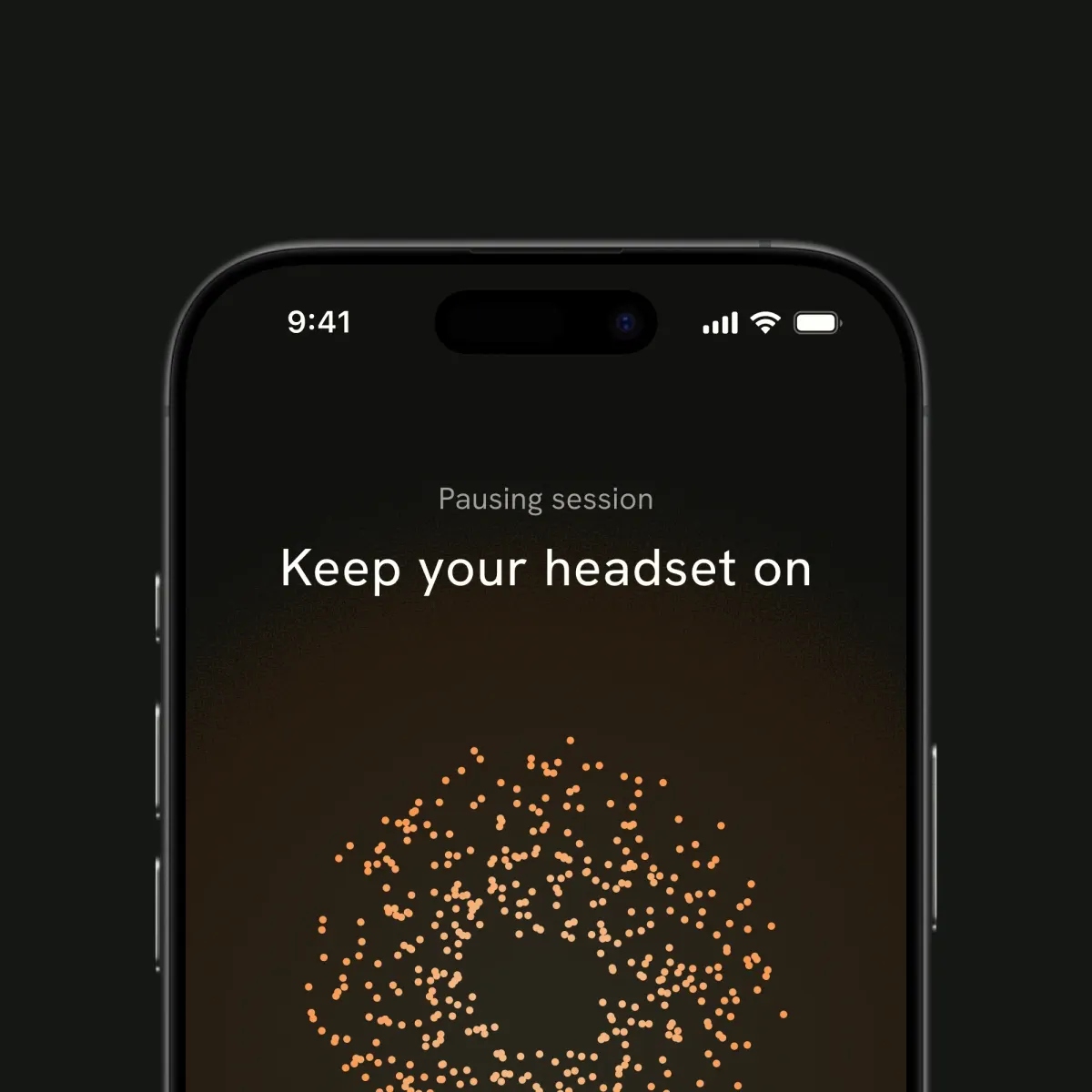
Sometimes life gets in the way of a full 20-minute session. If the doorbell rings or you need to adjust your headset, you can easily pause it right in the app. Just keep in mind that pausing a Mave session works a bit differently than pausing a podcast or video.
A slow power down
When you tap pause, the session doesn't stop immediately. Instead, the headset takes about 10 seconds to slowly fade out. A sudden power down can cause an uncomfortable prickle, so this slow ramp-down smoothens it before you take the headset off.
The 5-minute window
Once the device powers down, a timer starts for 5 minutes for you to resume. If you do, the headset powers back up and picks up the session where you left off.
If you are paused for more than 5 minutes, the app will automatically end the session. This is because the first few minutes of a session act as a warm-up. Pausing for too long will make you lose that momentum.
It is the same reason why two 10-minute blocks do not equal a 20-minute session. Your brain needs a continuous stretch of 20 minutes to get the full benefit.
Starting fresh
If your session times out, don't worry. Just take care of whatever needs your attention, and you can start a brand-new 20-minute session from scratch whenever you are ready.
Reach Out to Us
If you have questions, contact us at contact@mavehealth.com